🚀 Getting Started
Download & Install Folio
Learn how to find, download, and install the Folio app on Android, iOS, or iPad, or use the web version or browser extensions for Chrome, Firefox, Edge, and Safari.
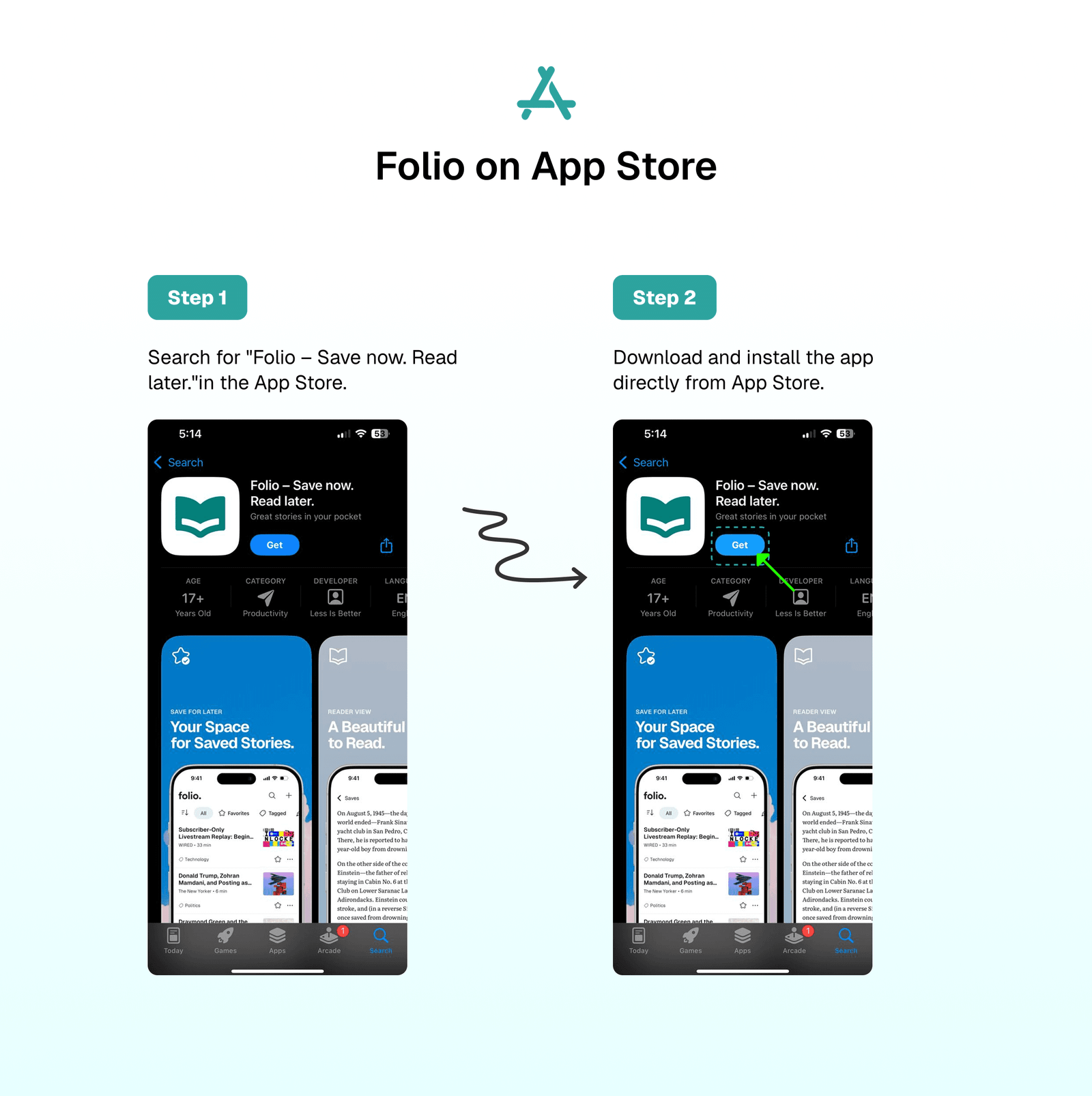
Folio on App Store (iPhone and iPad)
The Folio app is available on the App Store for iPhone and iPad. To download and install Folio on your iOS device, you can use one of these two methods:
- Open the App Store and search for
Folioto find the app. - Or use this direct link: https://apps.apple.com/eg/app/folio-save-now-read-later/id6746292066
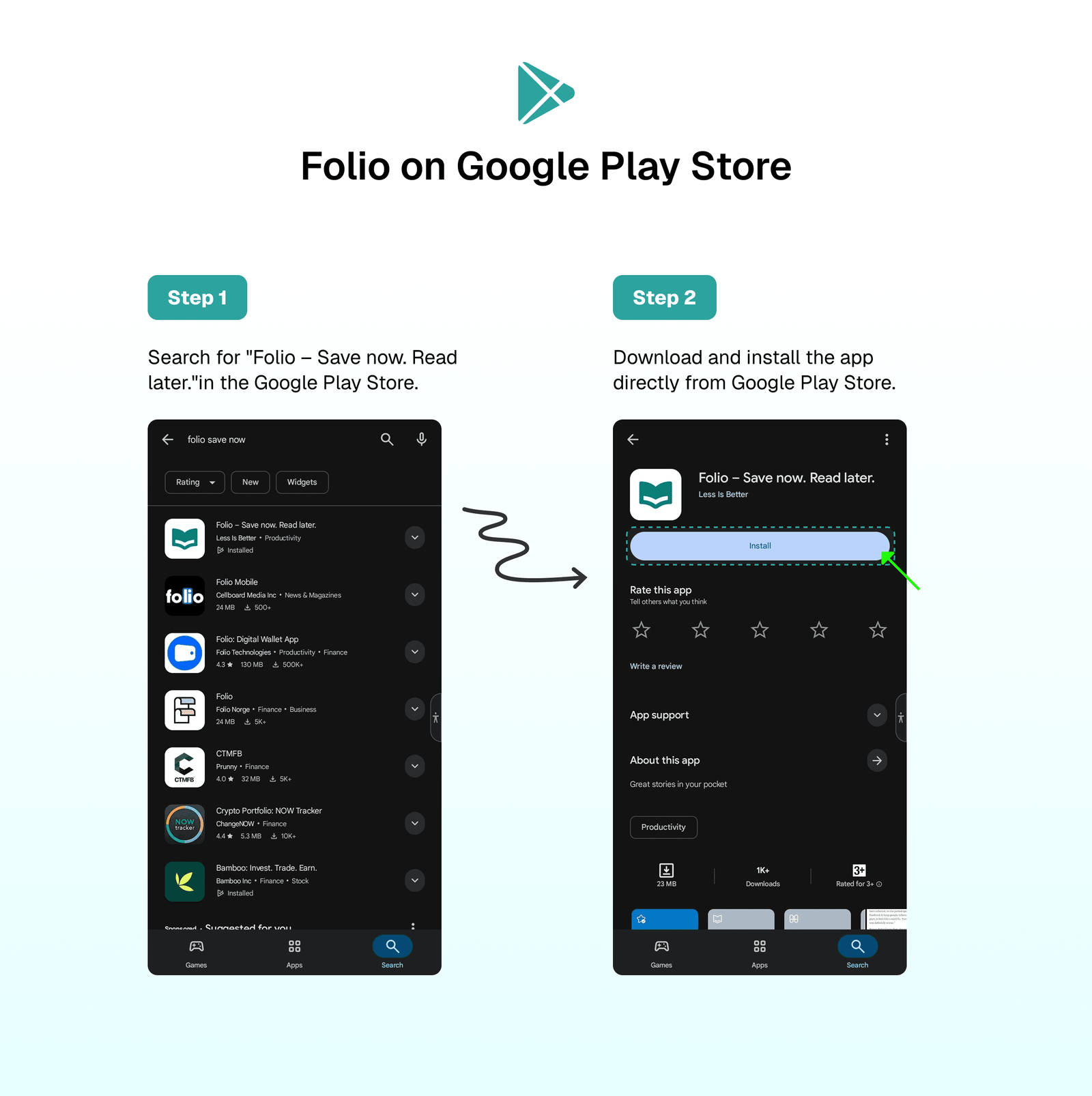
Folio on Google Play Store (Android and Tablet)
The Folio app is available on Google Play Store for Android and Tablet devices. You can download it by:
- Searching for
"Folio – Save now. Read later."in the Google Play Store. - Downloading directly from here → https://play.google.com/store/apps/details?id=co.lessisbetter.folio
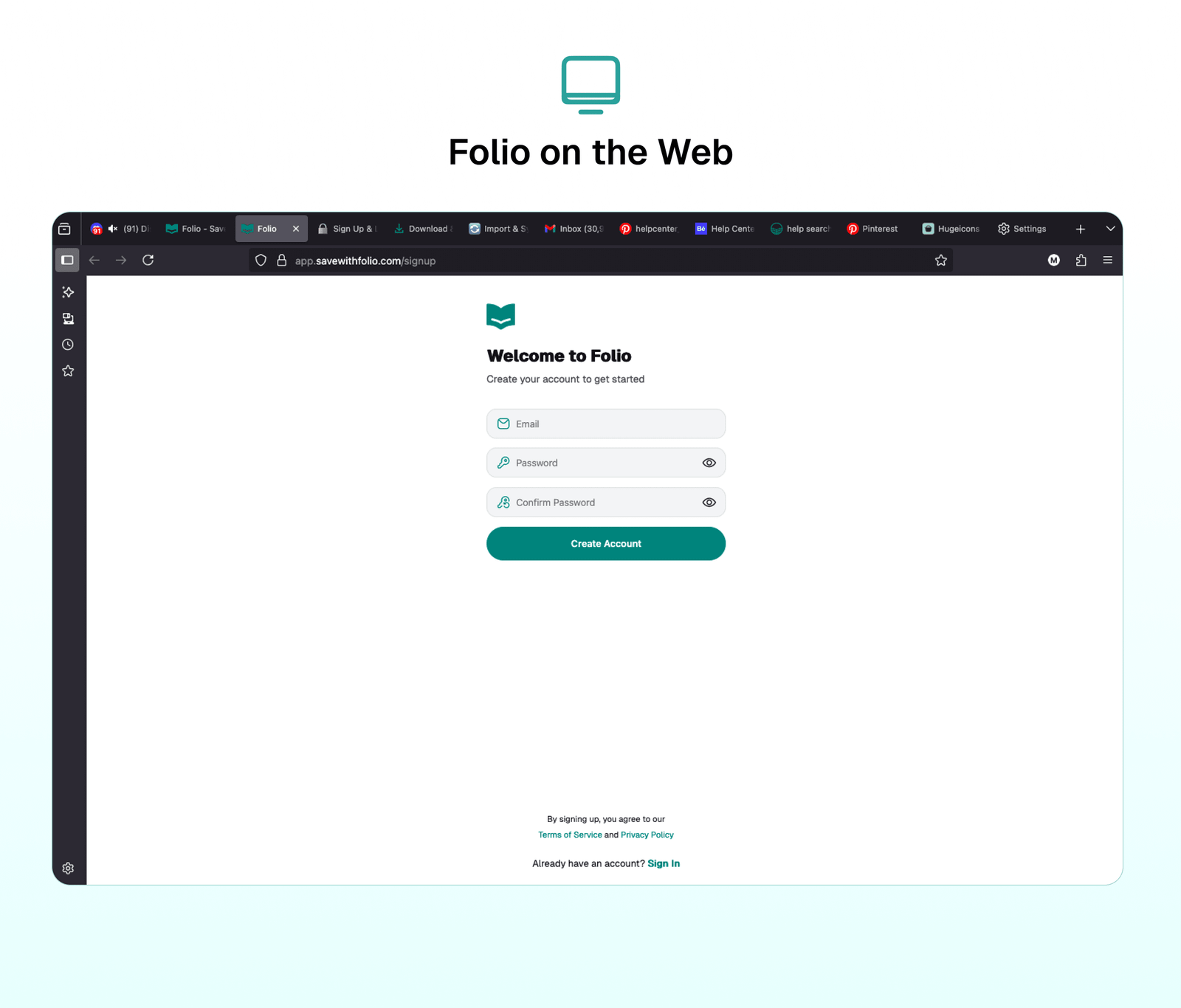
Folio on the Web
Access Folio through the web version! It's available online and compatible with all browsers ✨.
- Visit the Folio web app directly using this link → https://app.savewithfolio.com/
- Alternatively, search for
"Save with Folio"on Google to find the Folio App.
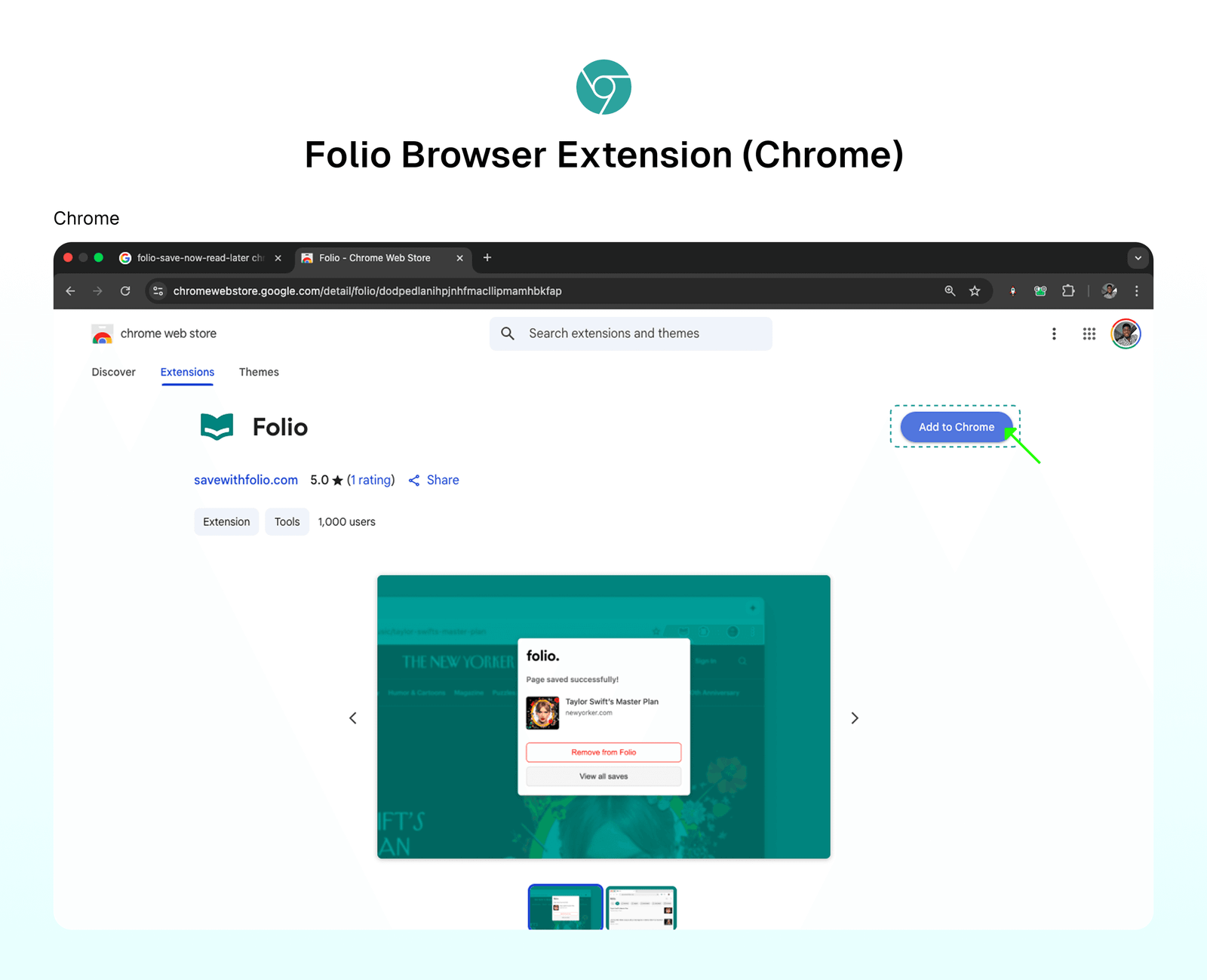
Folio Browser Extensions (Chrome, Firefox, Edge, and Safari)
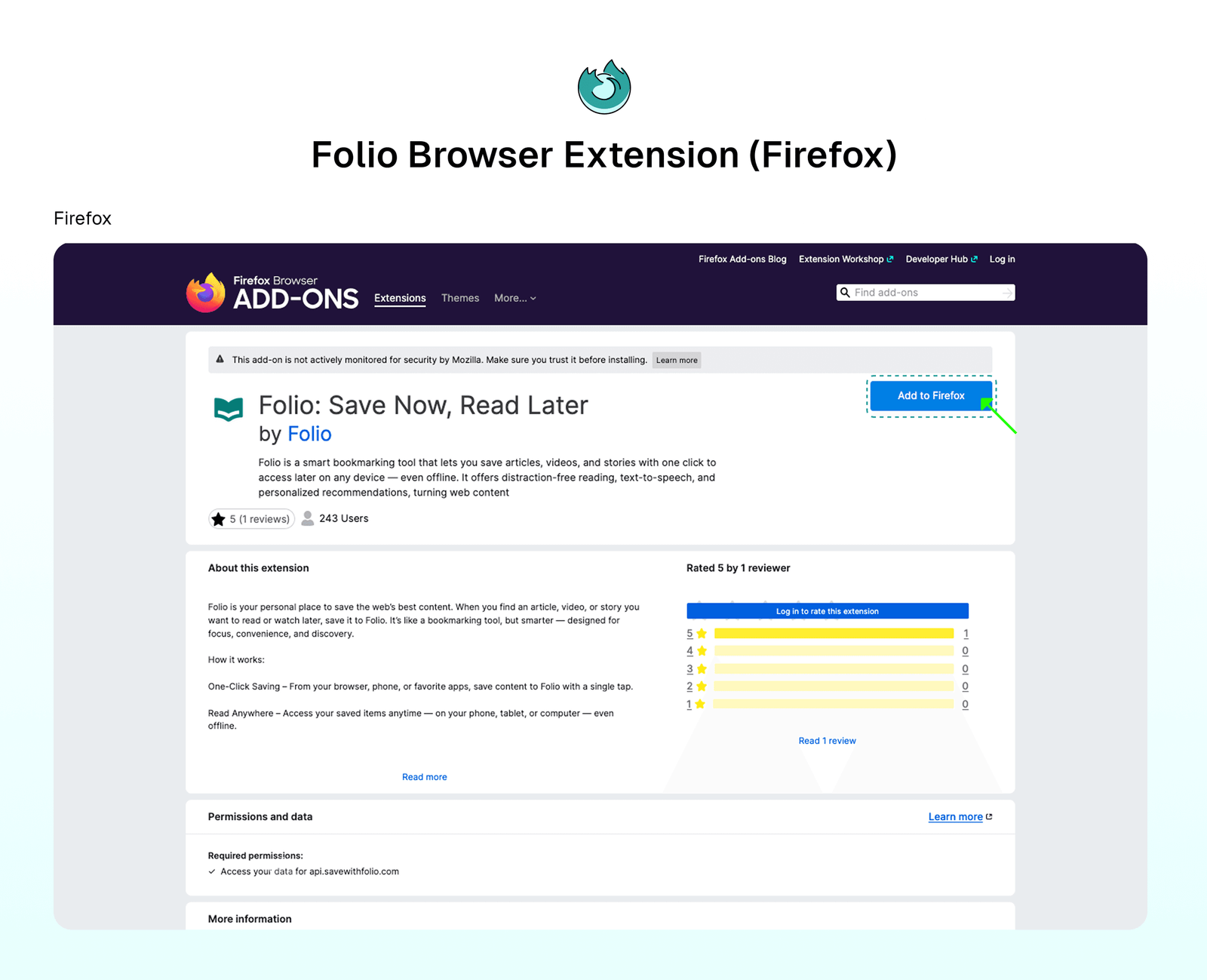
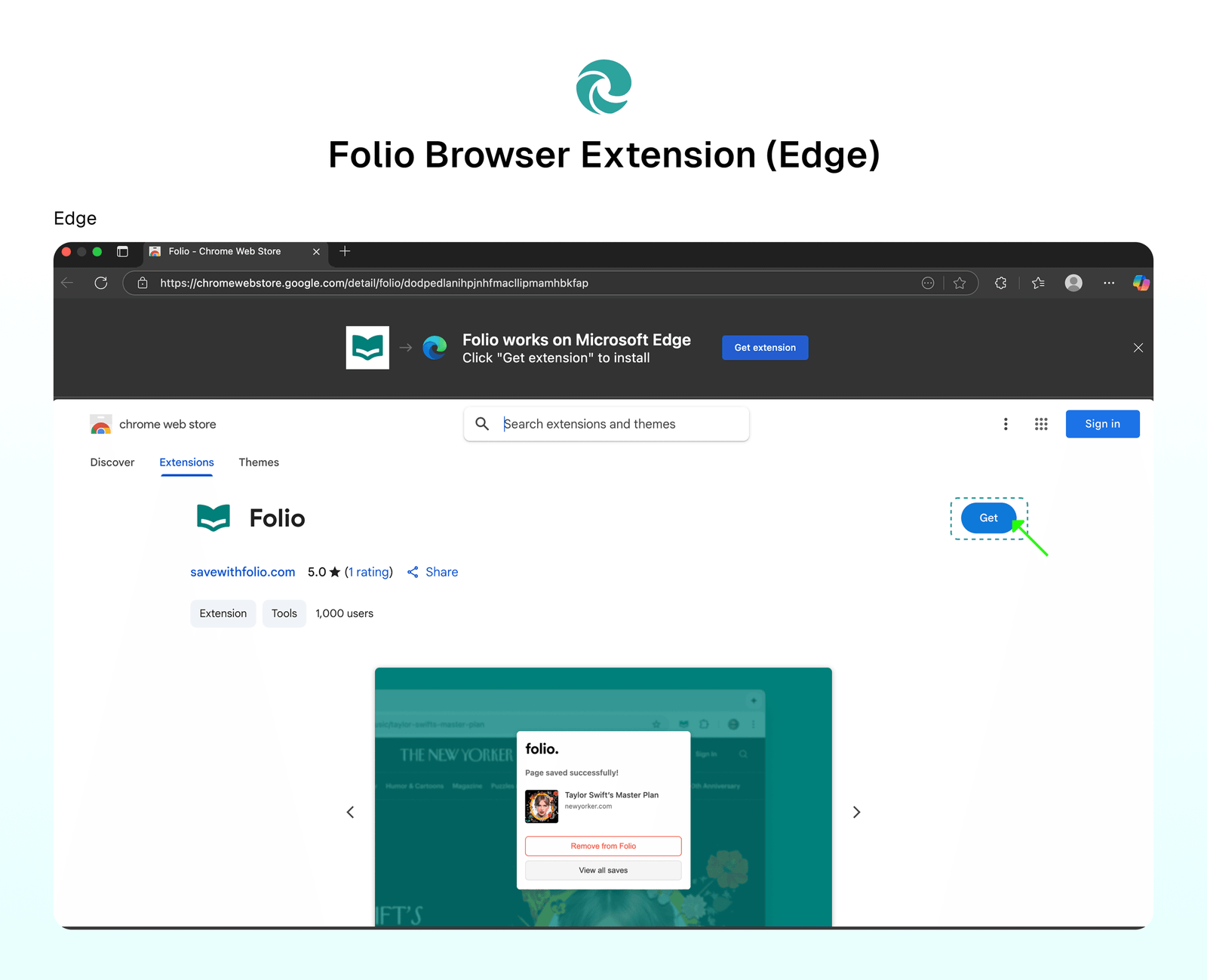
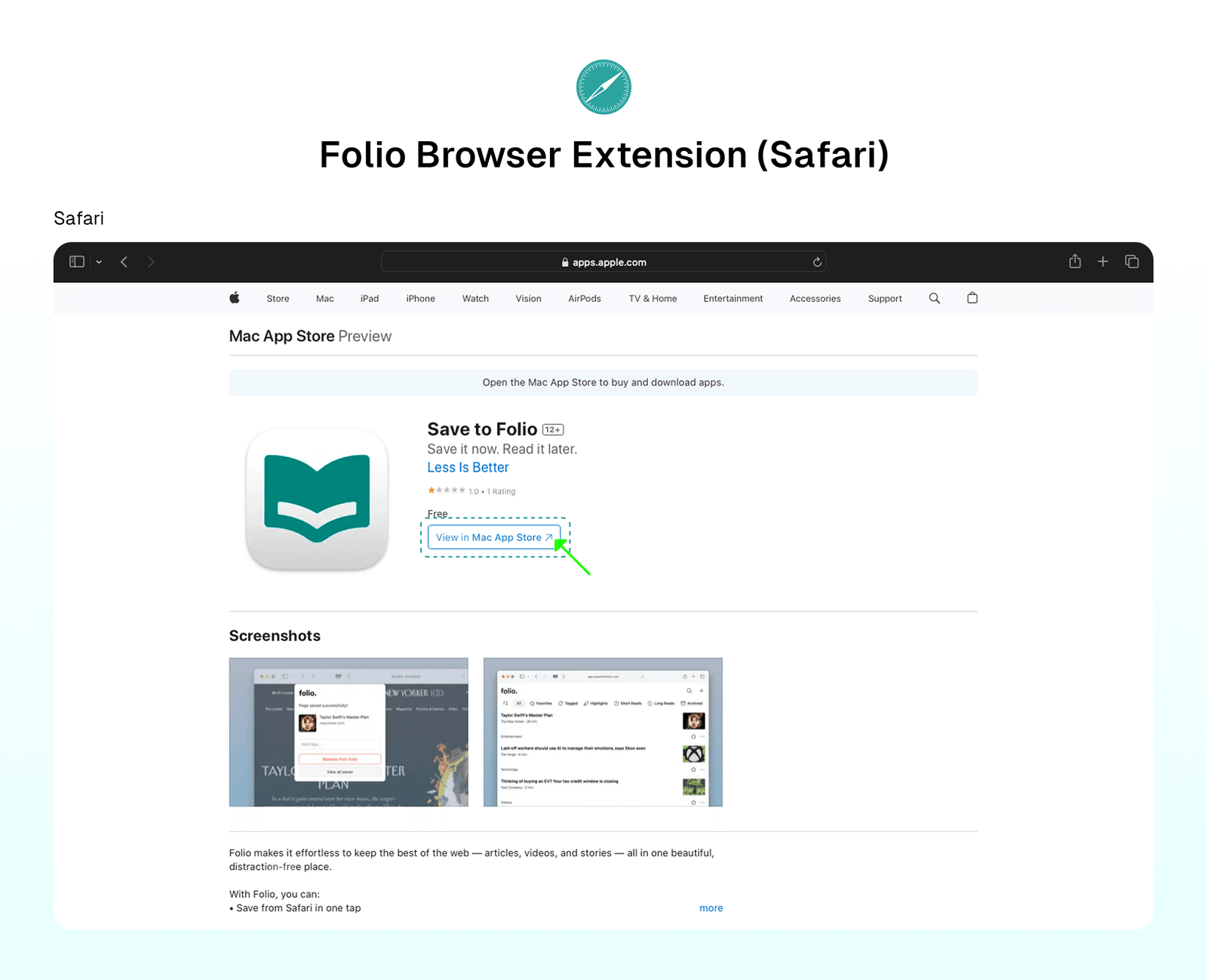
Leverage the power of Folio extensions for easy saving and accessing of your content. Folio extensions are available on:
- Chrome → Access Chrome Extension
- Firefox → Access Firefox Extension
- MS Edge → Access Edge Extension
- Safari → Access Safari Extension
⁉️ FAQs
Last updated on